

There is a very specific kind of shame spiral that happens with email.
You invest in your branding, you finally get a website you are obsessed with, your Instagram grid looks on-brand and beautiful, and then you open your email platform and it looks like a corporate newsletter from 2011. Yikes.
You know email is important. You know “build your list” is not optional anymore (hello, we’ve heard it a million times). But every time you sit down to actually send something, it feels clunky, generic, and completely disconnected from the world you are trying to build for your brand.
So the real question is not “how do I send more emails?”
It’s “How do I make my emails look and feel like my brand, so they actually support my business instead of draining me?“
I know that feeling all too well. But I’ve actually gotten to the point now where email marketing for my business doesn’t feel like a chore anymore, feels low-lift, and dare I say fun?
Let me tell you how you can also get to this place (I promise it’s easier than you think!).
Step 1: Decide What Role Email Actually Plays In Your Business
Before you even start creating or writing emails, get clear on this one thing: What do you want email to do for you? Because email can do so many things.
A few options:
- Nurture people who find you through socials or referrals
- Educate people on your process and what it is like to work with you
- Launch new offers or products
- Build a deeper, more intimate version of your brand voice that you cannot really fit into a 30 second reel (that’s the power of long-form content!)
Thing is, most creative business owners try to do all of this at once and then burn out.
Give yourself permission to pick 1 or 2 priorities. Your visual decisions and your tech choices get a lot easier when you know what you want email to be doing for you.
Step 2: Bring Your Brand Into Your Emails On Purpose
If your emails feel off, it is usually because they are missing one or more of these:
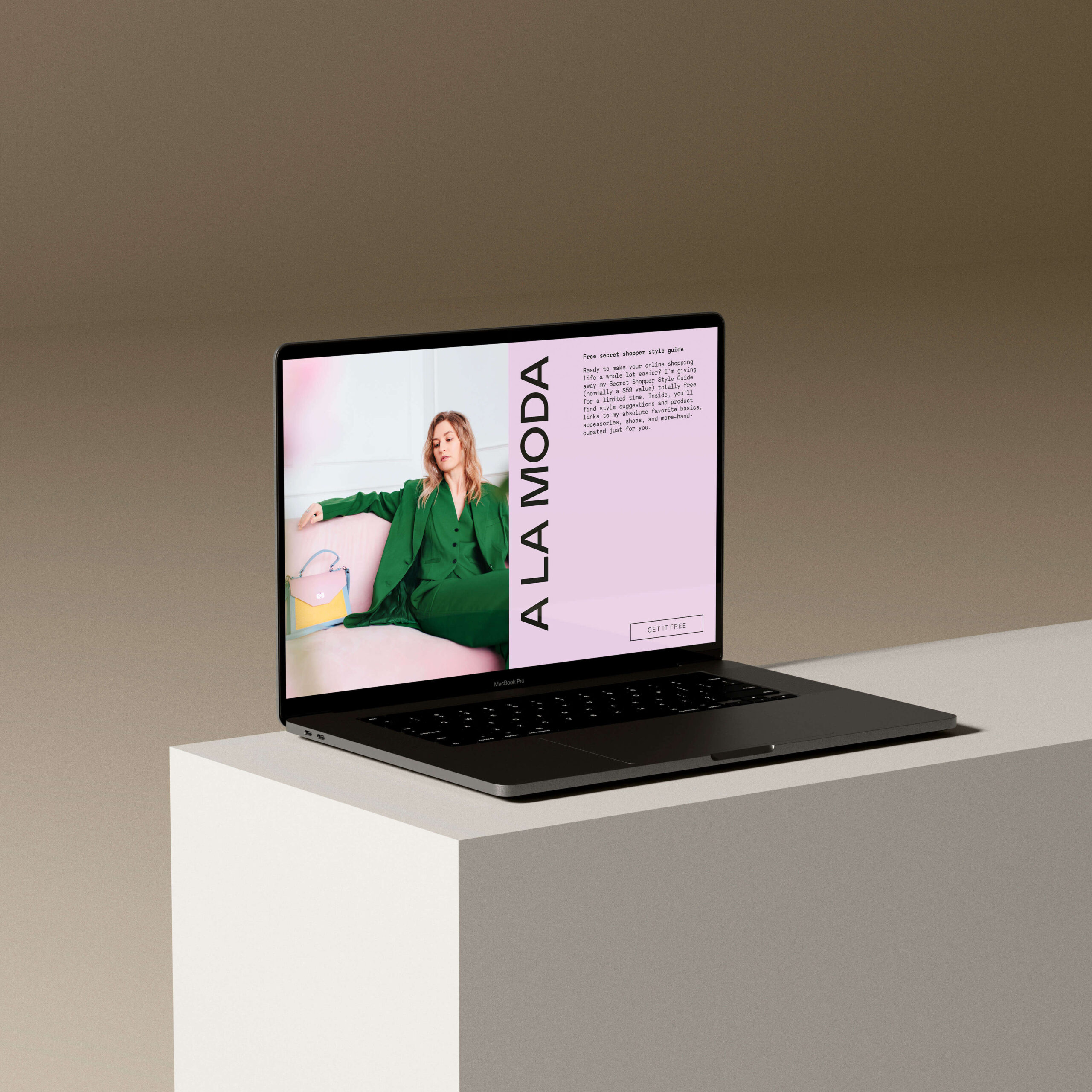
- Consistent typography that matches or complements your brand’s
- An intentional color palette that feels like your brand, not just some random colors you thought looked nice
- Clear hierarchy so people know what to read first, then next, then after that, and so on
- Photography or graphics that are consistent with your brand and match how you’r showing up everywhere else, like on your website or on socials
You do not need a complicated layout to make something feel polished. You need consistency.
Honestly, this is one of the reasons I use Flodesk for my own business. Their email design editor makes it easy to:
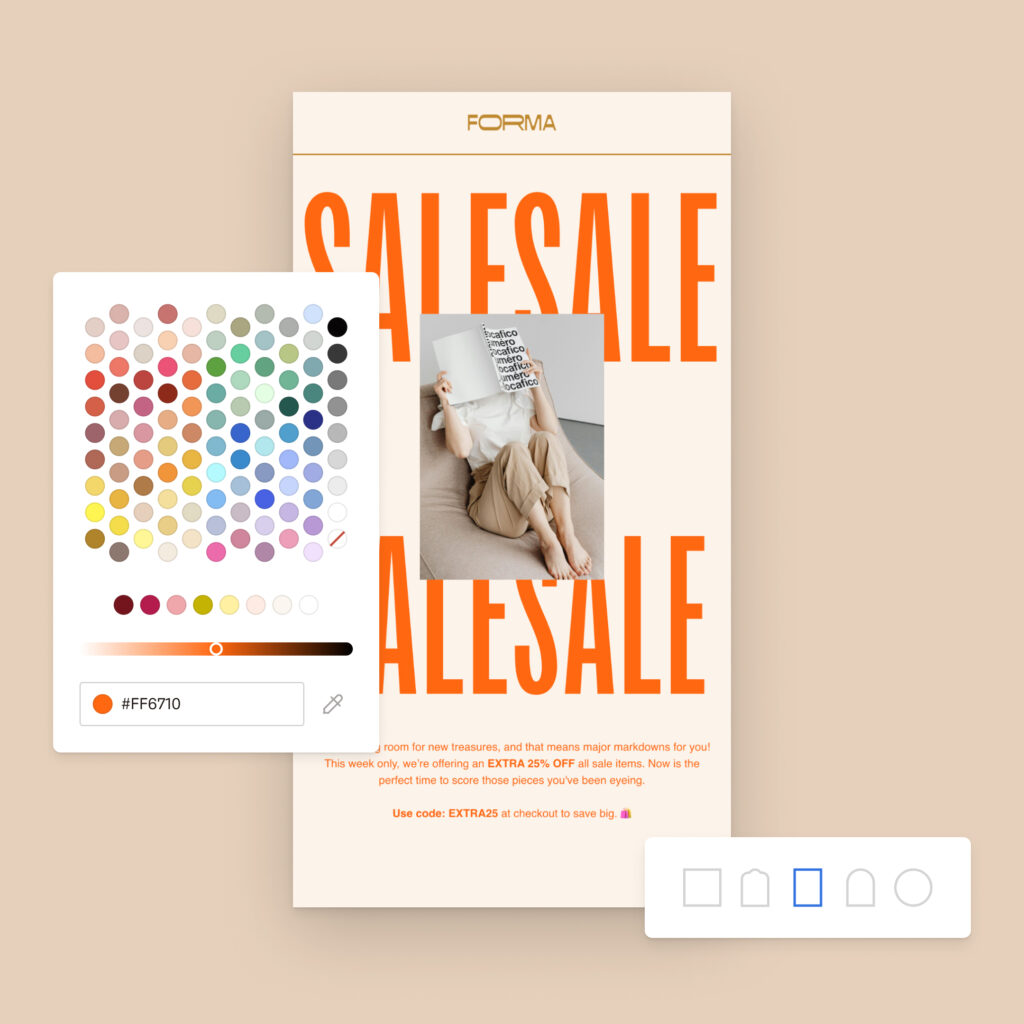
- Use custom fonts and styling so your emails, forms, and sales pages actually look on brand (and I’m even talking bringing in your custom fonts instead of trying to find the closest match from a limited number of very generic fonts)
- Keep your brand colors saved right in the editor so you are not constantly copying hex codes
- Pull in Canva designs directly from inside the email builder instead of downloading and re-uploading a million files (Hello! This is a complete game-changer)
Could you hack this together in another platform? Sure. But if you are already juggling client work, marketing, and actually running your business, the last thing you need is something that’s going to make email marketing hard.
You need tools that are actually going to save you time and allow you to do what you really want to do (like make your emails look like your website).
Step 3: Create a Small Set of Reusable Email “Rituals”
The fastest way to make email feel heavy is to reinvent the wheel every single time.
Instead, create a small set of email “rituals” that you repeat often. For example:
- A simple monthly or biweekly check in
- A behind the scenes story when you wrap a client project
- A launch sequence template you can reuse for different offers
- A “welcome to my world” series for new subscribers
Think of these as containers. The copy and details change, but the structure stays the same.
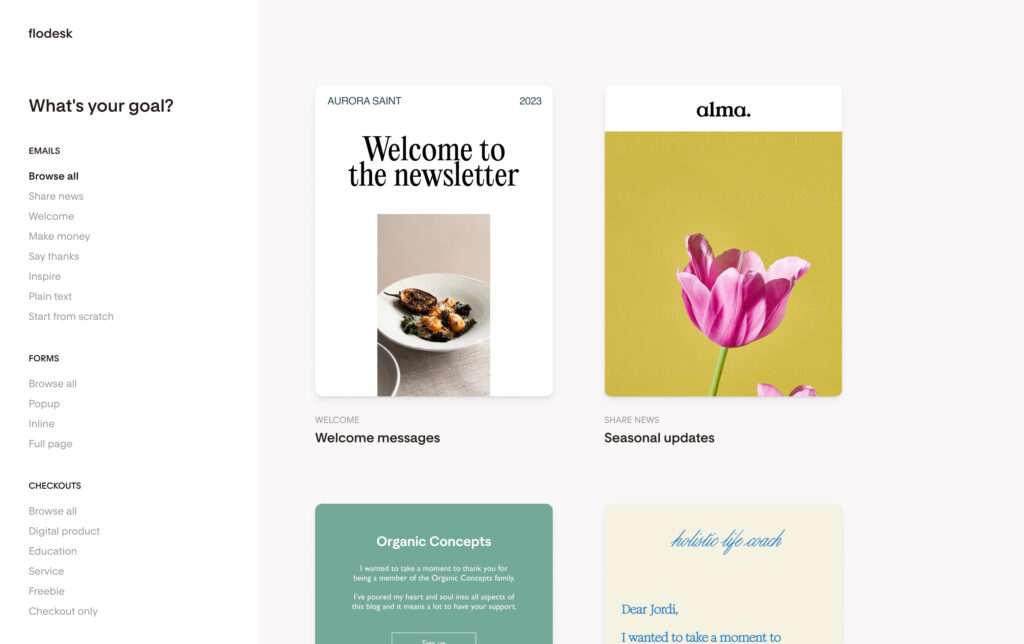
The awesome thing is that inside Flodesk, you can save your favorite emails as templates so you can duplicate them and update the content instead of rebuilding layouts from scratch. You can also lean on workflow templates to automate key journeys like freebie delivery, welcome sequences, nurture, and sales, so you are not building every automation from zero. Oh, and their super simple visual workflow creator makes it super easy to build a workflow in Flodesk.
Slight tangent: This was one of the things I found so unnecessarily difficult with other email platforms, and I was SO grateful to find it so easy on Flodesk. Like, I just want people to get an email, then wait a few days, then get another email! Just let me create that easily!
The result: your audience experiences your brand as consistent and thoughtful. And suddenly, you save a ton of time and email seems way more doable instead of overwhelming.
Step 4: Let Your Forms & Workflows Do The Quiet Heavy Lifting
If you’re only thinking about the emails you manually send, you’re missing out on a big piece of email marketing that could be leaving you a lot of opportunities on the table.
This is where forms and automations quietly change the game. Here’s a few ways they can work really well for creatives and service providers:
- A full page form for your main freebie that you can share in your bio, on socials, and on your site
- An embedded form on your services page for people who want more info but are not ready to inquire yet
- A short, punchy welcome workflow that introduces you, sets expectations, and points people to your best content
- A simple sales sequence that goes out when someone joins a waitlist or signs up for a specific offer
In Flodesk, you can:
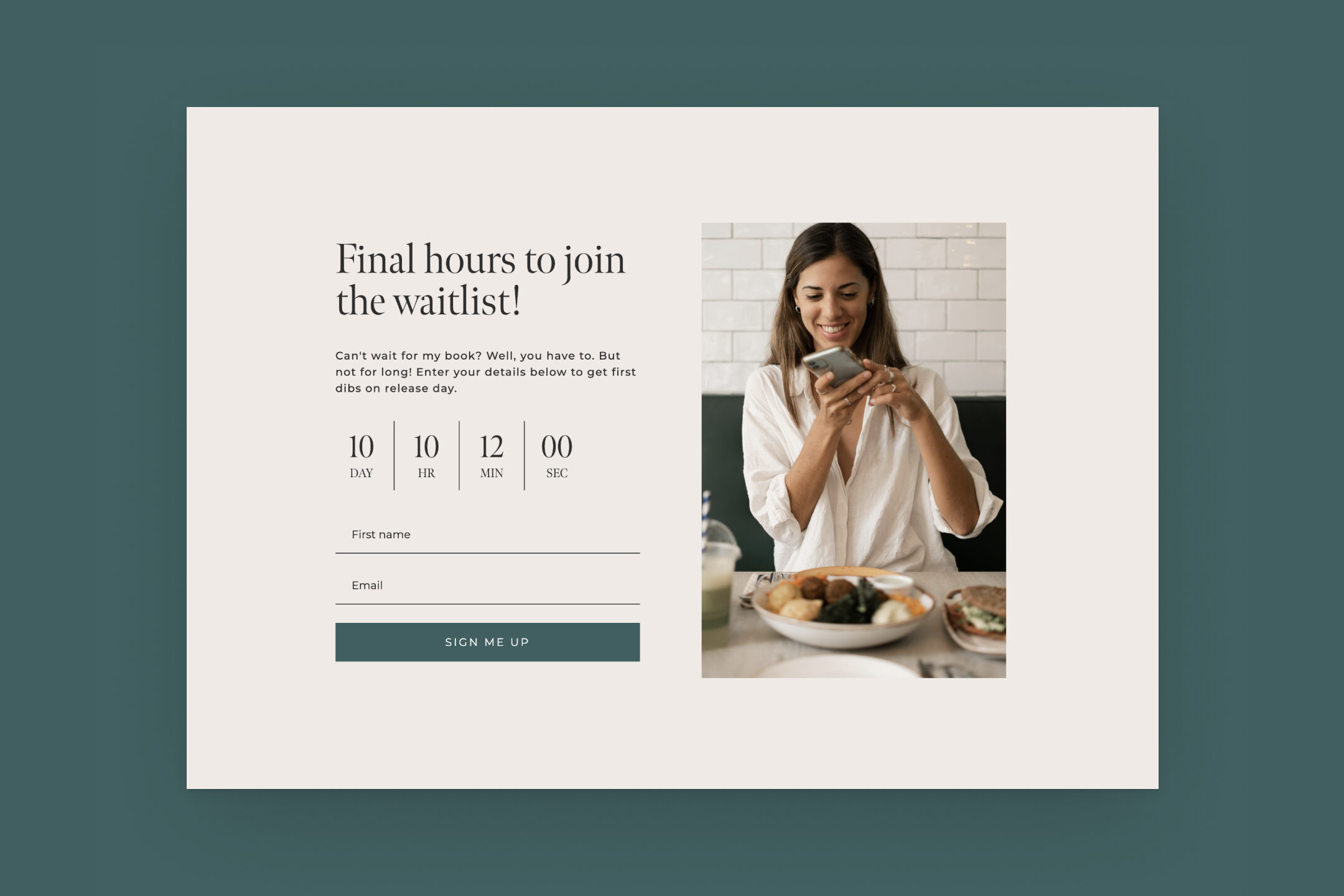
- Create popups, inline forms, full page forms, and link in bio forms that actually feel like part of your brand
- Use more advanced form types like countdown forms and spin the wheel forms when you want to boost conversions for a limited time offer or promotion
- Build workflows that trigger from form signups, segment changes, or purchases so the right emails go to the right person without you manually tracking anything
The point is not to automate your entire business. It is to cover the basics so that even on the weeks when life is busy and you don’t touch your list, your business keeps working in the background.
Did you know that our email template packs also come with a range of form templates too?
Step 5: Make Selling Feel Like a Natural Extension of Your Emails
A lot of people are comfortable sending “value” emails, but then as soon as it’s time to sell they’re at a loss of what to do.
But selling through email does not have to mean turning into a different person. It can look like:
- Telling a real story about a client and linking to how people can work with you
- Sharing that you have one spot left this month and inviting people to apply
- Highlighting a template, course, or digital product that solves the exact problem you just talked about
If you sell digital offers or simple services, Flodesk Checkout can take you from “talking about it” to “people can actually buy this” without adding yet another platform.
You get:
- Hosted sales pages that match your brand
- Seamless payments and instant email delivery
- Built in analytics so you can see which checkout pages are converting best
- Discounts, upsells, buy now pay later options, and digital wallets like Apple Pay and Google Pay to make buying easier and faster for your people
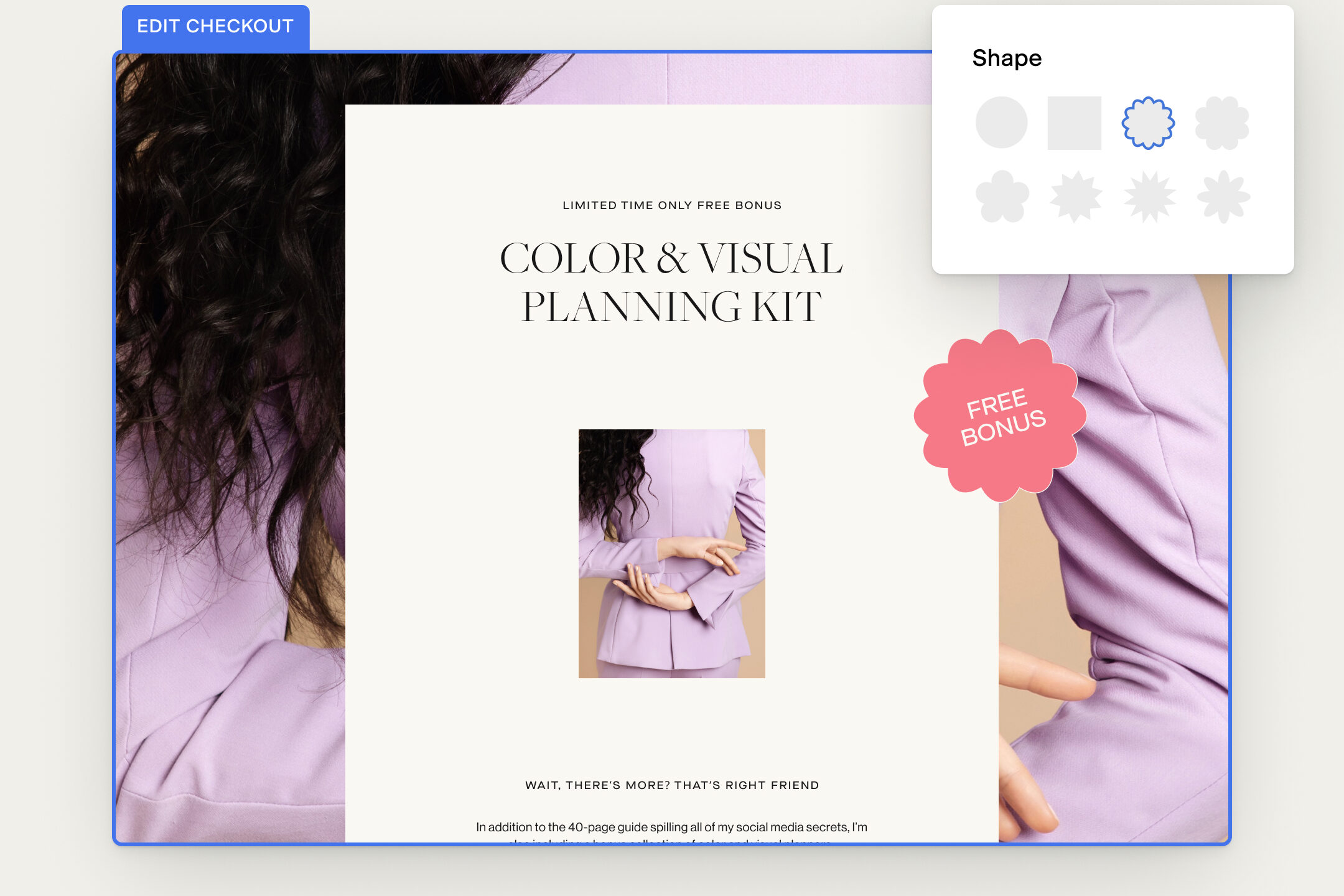
AND because it’s all created in Flodesk, it’s of course seamlessly connected with your email list, so everyone who buys can automatically be added to whatever segment you want and placed into the right follow up workflow. This is the kind of thing that turns your emails from a “nice to have” into a real, profitable revenue channel .
How Flodesk Has Evolved and Why That Matters If You’re Choosing Now
If you tried Flodesk years ago or only know it as “the pretty email tool,” let me tell you that it’s changed a lot. As someone who’s been using Flodesk for over 4 years, I can tell you that it feels like the speed with which they’ve been adding and improving has just shot up in the last year or two! Flodesk has grown from a beautiful email builder into a much more robust platform that actually supports how modern online businesses work.
Here’s some of the super exciting recent changes:
Smarter, more interactive emails
You can now add things like embedded polls directly into your emails to learn what your audience wants and segment them based on their answers. You can use brand aligned countdown timers to drive urgency for launches or limited time offers, without needing extra third party tools.
Deeper automations and workflows
Workflows are built for full journeys, not just single autoresponders. You can set up templates for freebie delivery, welcome sequences, nurture, sales, event reminders, re-engagement, abandoned cart, and post purchase follow up, all inside one visual builder (and let me reiterate – it’s simple and easy to do!).
You can control who enters which workflow, how often, and when they are allowed to go through again. And let me tell you, that level of control really matters when you want automation without losing the personal touch.
Selling and email, in one ecosystem
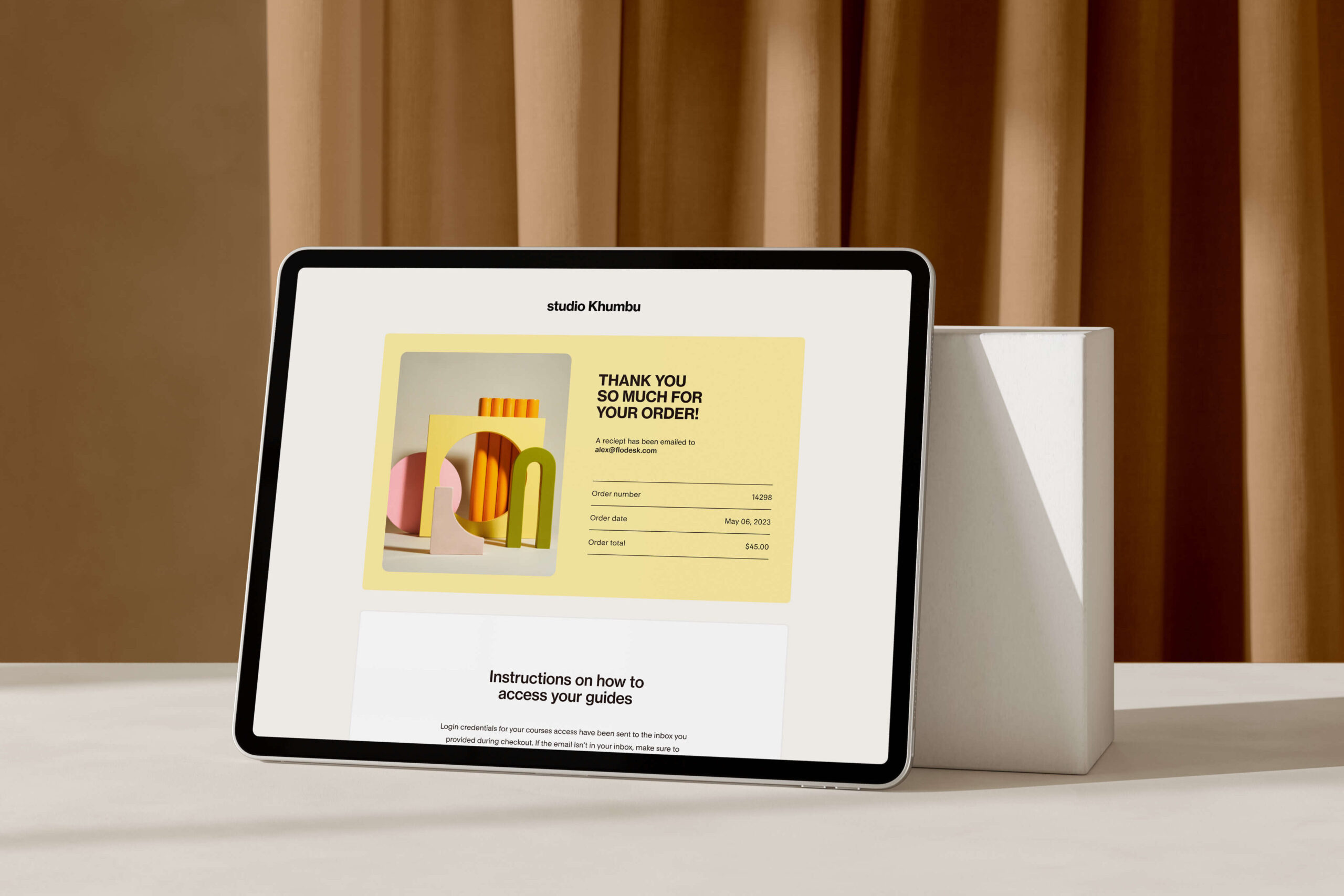
Checkout is no longer a side feature. It is an integrated way to sell services, digital products, or simple offers while keeping everything connected to your email list.
You can:
- See how much revenue each checkout has generated
- Offer discounts and upsells without extra tools
- Let people pay via Apple Pay, Google Pay, or buy now pay later options like Klarna, Affirm, and Afterpay for a smoother checkout experience
So instead of stitching together three or four platforms, you can have your sales pages, payments, delivery, and follow up emails all speaking to each other. This alone is game-changing!
Integrations that play nicely with the rest of your stack
And this is really exciting – Flodesk now integrates with platforms like Shopify, Canva, HoneyBook, BookFunnel, and more, so you can bring email into the tools you already rely on!
On top of that, there are now native integrations with:
- ManyChat, so email opt ins you collect through DMs can flow straight into Flodesk and land in the right segment automatically
- ThriveCart Pro plus, so purchases and cart events can trigger the right Flodesk segments and workflows without Zapier in the middle
For you, that means less manual exporting and importing, fewer tools to always be managing, and a customer journey that actually feels connected from first touch to post purchase.
Step 6: Keep It Human & Sustainable
The internet (and let’s be real, a lot of bro marketing) will try to convince you that you need complex funnels, 12 part sequences, and behavior based everything to be “doing email right.”
Let me be the first to tell you: You do not.
What you do need is:
- A platform you are not scared to open
- A few simple forms that invite people in
- A welcome sequence that introduces you and your work
- A couple of recurring email rituals you can show up for
- A way to sell when you have something available
That’s it.
For me, Flodesk has been the tool that makes those pieces feel doable and aligned with how I like to show up as a designer and studio owner. The interface is clean, the emails look like my brand, and the features actually match the way small, design led businesses work in real life – especially now that forms, workflows, checkout, and integrations have all grown up. And that’s why I honestly rave about it and recommend it to all my clients! Seriously, that’s why I became a Flodesk Partner, because I was Flodesk’s biggest fan from the beginning.
If You Want Your Emails To Finally Feel Like Part of Your Brand
If this has been sitting on your “I will figure this out someday” list, consider this your nudge.
You do not have to become an email strategist overnight. You just need tools and structures that make it easier to show up as yourself.
If you want to try Flodesk, you can use my partner link and code to get 25% percent off your first year:
Check out Flodesk here
Use code IVYGROWSSTUDIO at checkout for 25% off your first year
Yes, that is an affiliate link. I am a Flodesk Partner, which means I may earn a commission if you sign up through it. It does not change your price, and I only recommend tools I actually use to run my own design studio and The Template Shoppe.
And if you want your emails to visually match your website, you can pair Flodesk with one of our email template packs from The Template Shoppe so everything feels cohesive from inbox to homepage.
You deserve an email setup that feels like an extension of your brand, not a chore you keep avoiding.
This is your sign to make that happen!